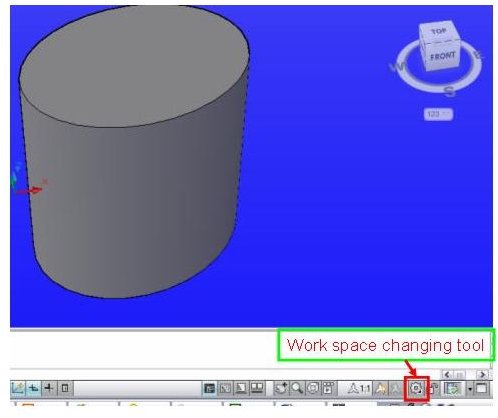
Work Space: Tips and Tricks for AutoCAD Software 2009
Work space is a new feature in AutoCAD 2009. As the types drawing changes, you can quickly switch from one work spaces to another.
Continue ReadingShowing guides and explainers filed under CAD and AutoCAD.
Work space is a new feature in AutoCAD 2009. As the types drawing changes, you can quickly switch from one work spaces to another.
Continue Reading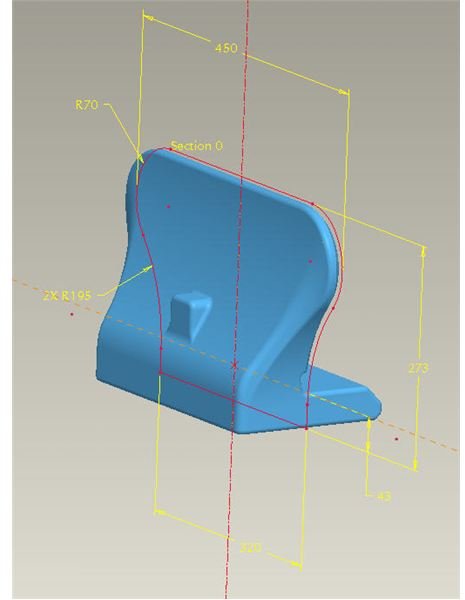
As a Mechanical Engineer, I often get asked to design complex and unique models for various applications. Regardless of what is being designed, the …
Continue Reading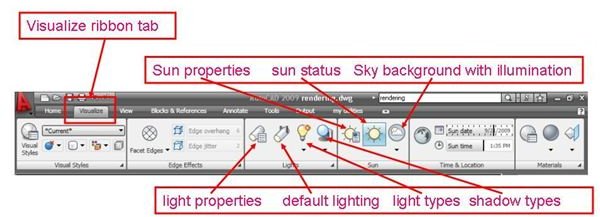
3D objects created using AutoCAD are converted to more real picture by rendering. Though AutoCAD is not specialized software for rendering, still …
Continue Reading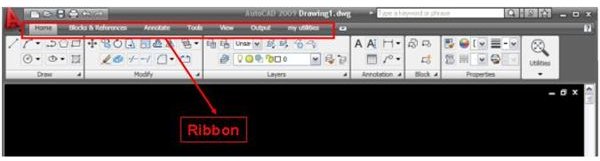
AutoCAD 2009 is having loads of new attractive features, ribbon customization is among them. But what is ribbon? And how to customize it?
Continue Reading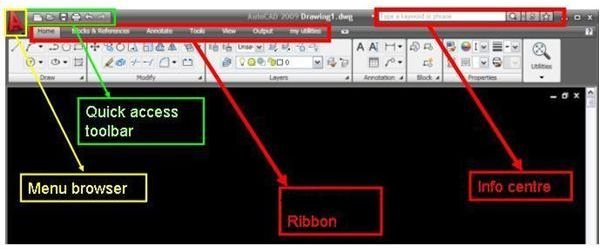
AutoDesk has recently launched the latest version of AutoCAD; AutoCAD 2009.The new version is having not only an attractive graphical user interface, …
Continue Reading
This AutoCAD tutorial will discuss how to use attribute in Auto CAD. Attribute is a useful concept in CAD for speeding up your design.
Continue Reading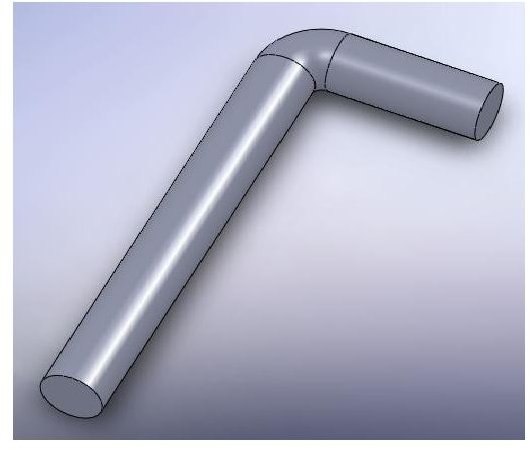
Creating sketch relations in SolidWorks is very useful feature. This article will demonstrate the sketch fillet option – and help you to understand …
Continue Reading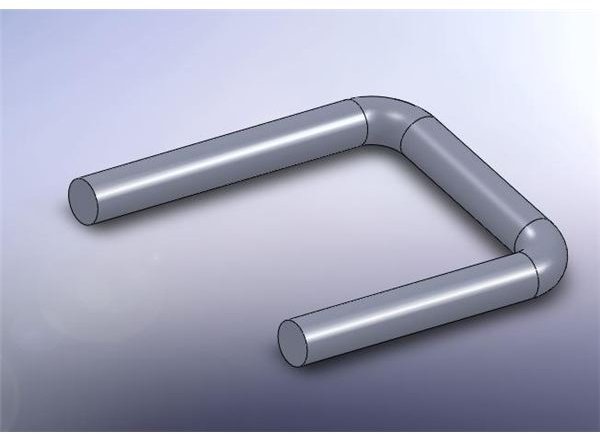
When you are creating sketches in SW2008, you should not only take full advantage of sketch dimensioning, relations etc. – but also may use more …
Continue ReadingDimensions are important parts of any design because of the dimension values. Drawing is the communication language for designs. But sometime it …
Continue ReadingBlock is a group of AutoCAD objects (like line, circle etc.) grouped together to form a single object. Using of blocks effectively reduce the drawing …
Continue Reading