
AutoCAD 2009 Tutorial: Create Custom AutoCAD Hatch Pattern
You can use a built-in AutoCAD 2009 hatch pattern from the Home > Draw > Hatch icon. There are fairly large numbers of hatch pattern available …
Continue ReadingShowing guides and explainers filed under CAD and AutoCAD.
You can use a built-in AutoCAD 2009 hatch pattern from the Home > Draw > Hatch icon. There are fairly large numbers of hatch pattern available …
Continue Reading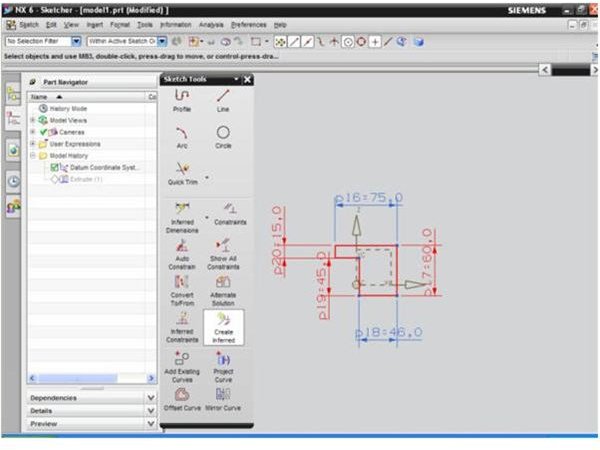
This Unigraphics NX6 tutorial will talk about the important sketch tool available in sketcher mode where you can create a 2D sketch of a 3D UG model.
Continue ReadingAnsys and Pro Mechanica both are very popular CAE or FEA tools. Ansys as well as Pro Mechanica both have strengths in different areas. Where to use …
Continue Reading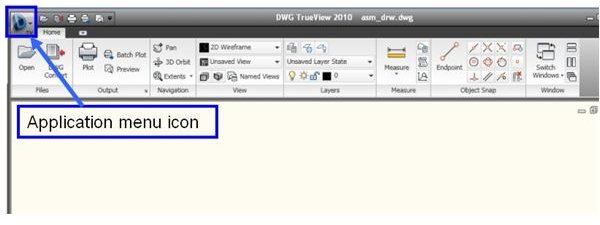
DWG TrueView allows you to view AutoCAD DWG or DXF files without purchasing the AutoCAD software. This tutorial will show you how to get this free …
Continue Reading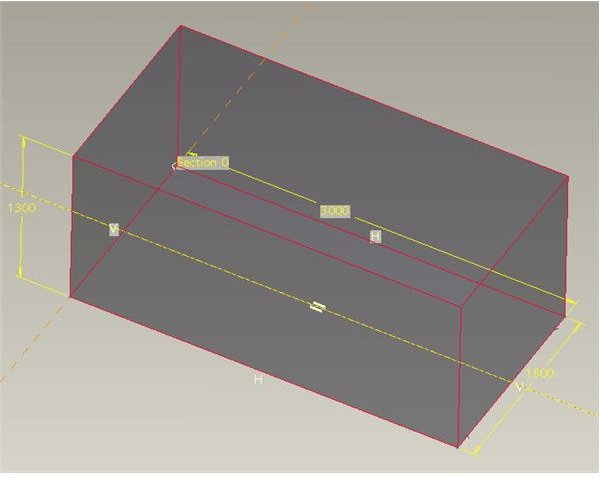
CAD applications like ProE and Solidworks as well as many others have extensive complex functions such as sweeps and surface functions that can be …
Continue ReadingProE as well as UG both are high end 3D CAD package. While comparing ProE vs. UG in this article we will discuss which one is strong in which area.
Continue Reading
You are net savvy and you love reading lots of RSS feeds. Now with AutoCAD 2009 you can monitor and read the latest updates of your favorite feeds …
Continue Reading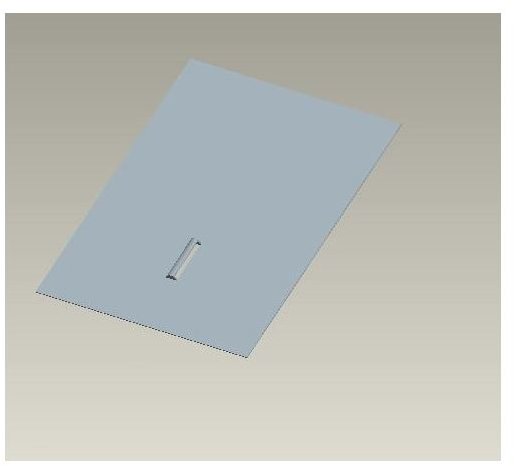
Pro Engineer is developed in such a way that the feature operations in ProE are actually similar to real life manufacturing operations. Form feature …
Continue Reading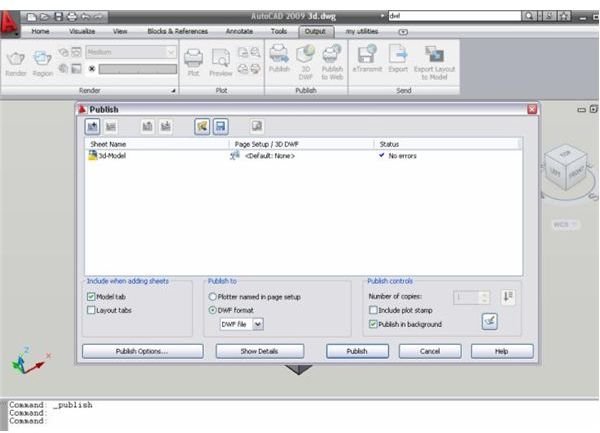
You can share your AutoCAD drawing over the Internet by converting (or publishing) it to DWF and DWFx format. If you publish your AutoCAD drawing in …
Continue Reading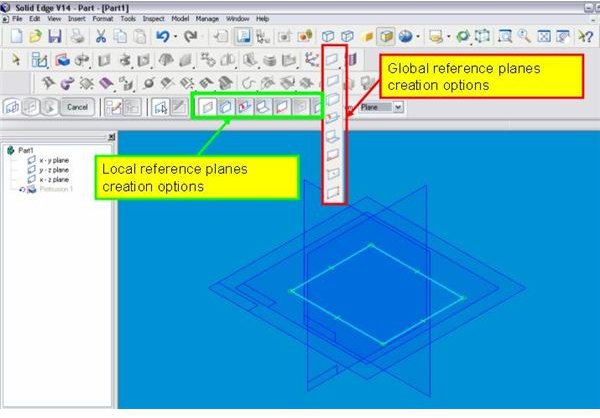
Effective use of the reference plane creation tool in Solid Edge is the key of your capability to handle complex 3D CAD models. There are many options …
Continue Reading